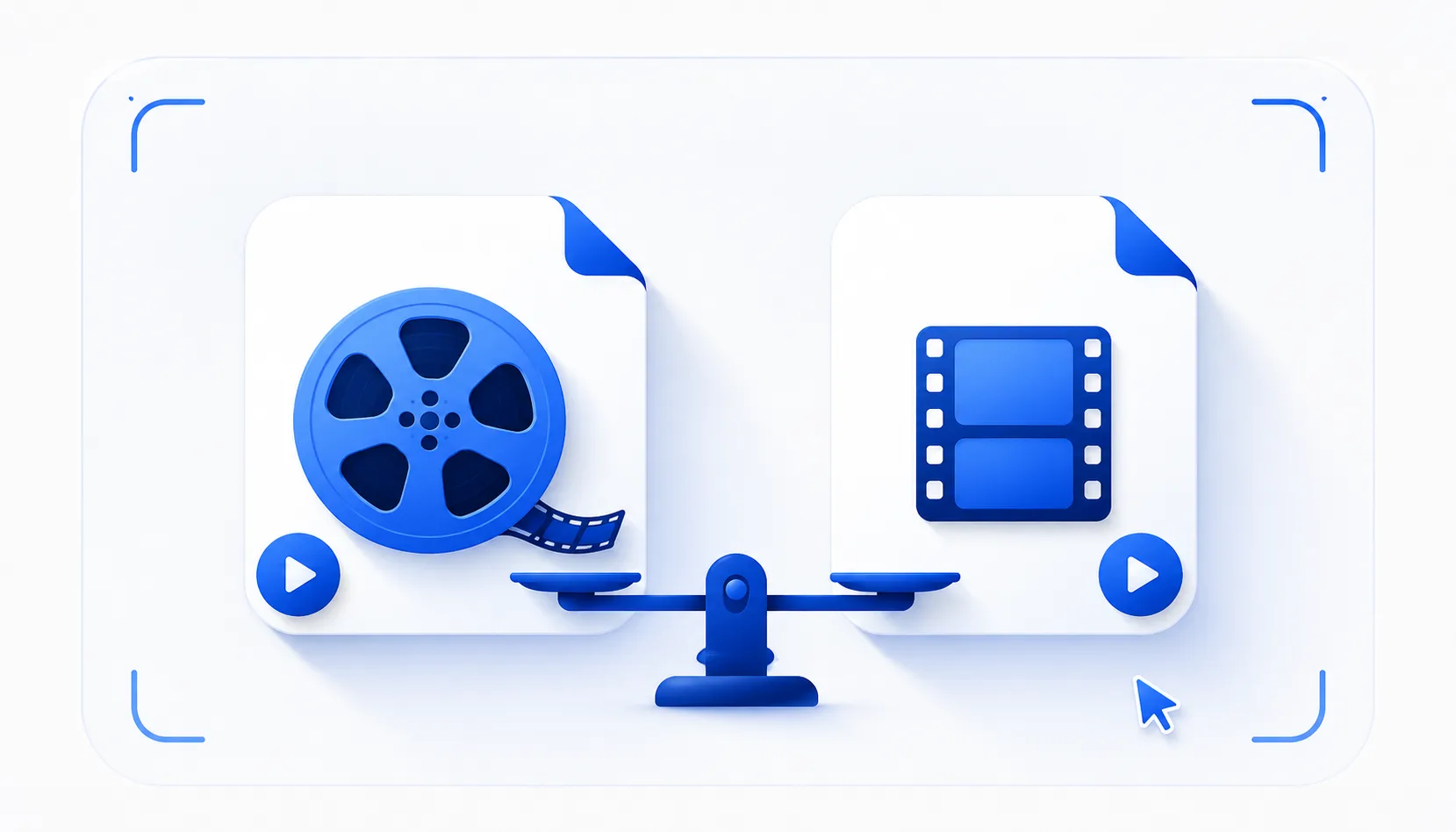
WebM and MP4 both store screen recordings well, but they trade off differently: WebM is smaller and built for the web, while MP4 plays almost everywhere and is friendlier to video editors. For quick sharing, WebM is fine; for maximum compatibility, choose MP4. Here is how they compare and when to pick each, using FastCapture as the example recorder.
WebM vs MP4 at a glance
| WebM | MP4 | |
|---|---|---|
| Plays in | Modern browsers and many apps | Almost everywhere: editors, phones, players, chat |
| File size | Usually smaller at the same quality | Slightly larger |
| Typical codec | VP8 or VP9 | H.264 |
| Best for | Web embedding, quick sharing, small files | Editing and broad compatibility |
| Licensing | Open and royalty-free | Widely licensed and supported |
What is WebM?
WebM is an open, royalty-free format built for the web. Its codecs (VP8 and VP9) compress well, so files are usually smaller, and it plays natively in modern browsers. It is the default for many in-browser recorders, including FastCapture's free tier.
What is MP4?
MP4 is the most universal video container, usually carrying H.264 video. It plays on essentially everything: phones, video editors, media players and most chat apps. Files are a little larger than WebM, but MP4 is the safest pick when you are not sure where the video will end up.
Which should you use?
- Sharing a quick clip on the web, embedding it, or keeping files small: WebM.
- Importing into a video editor, sending to someone on older software, or posting where MP4 is expected: MP4.
- Not sure: MP4 is the safe default for compatibility.
In FastCapture
FastCapture records to WebM for free, which is perfect for quick sharing and the web. If you need MP4, for video editing or maximum compatibility, MP4 export is part of Pro. You can also convert a WebM to MP4 later with a converter, but exporting MP4 directly avoids a second re-encode.
A few practical tips
- For the smallest files, use WebM and record at a sensible resolution and 30 fps.
- For editing, MP4 (H.264) imports more reliably into most editors and timelines.
- For social and chat platforms, MP4 is the most broadly accepted. See our screen recording guides for more.
The bottom line
Pick WebM when size and the web matter, and MP4 when compatibility and editing matter. FastCapture gives you free WebM out of the box and MP4 export in Pro, so you can match the format to where the recording is going.