Capture Everything. Instantly.
Record your screen, webcam, or take pixel-perfect screenshots, all from a single browser extension. No signup, no watermark.





Everything You Need
A complete capture toolkit right in your browser.
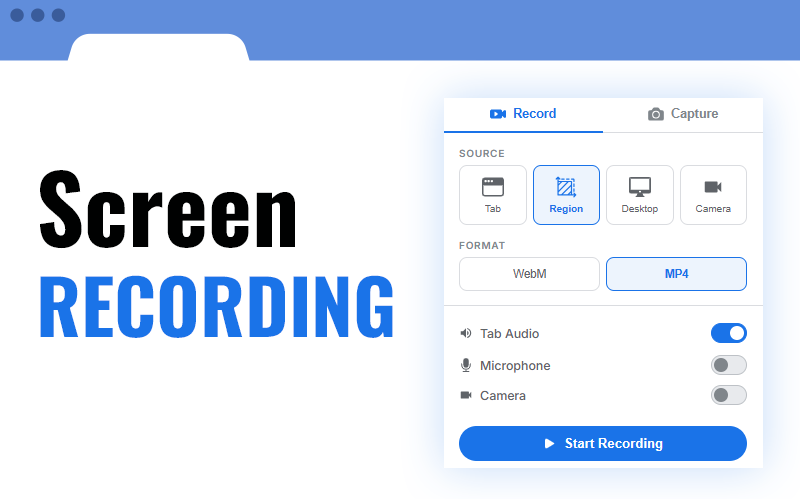
Screen Recording
Record your tab, entire desktop, or a specific window. Include webcam overlay, microphone, and system audio.
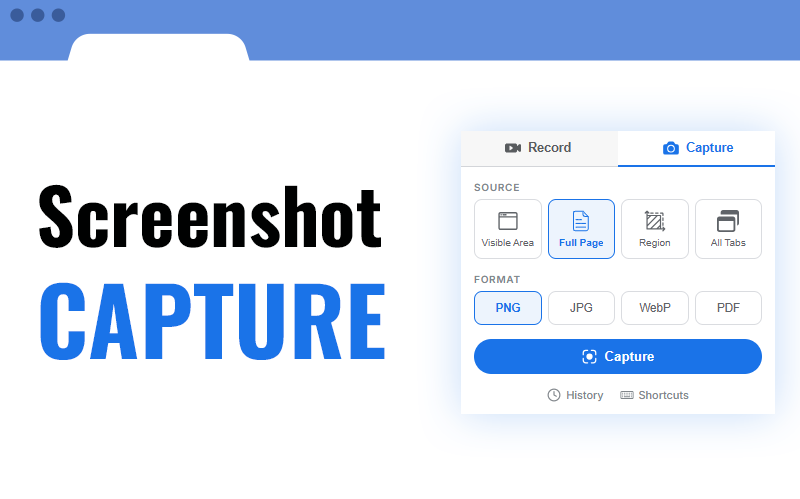
Screenshots
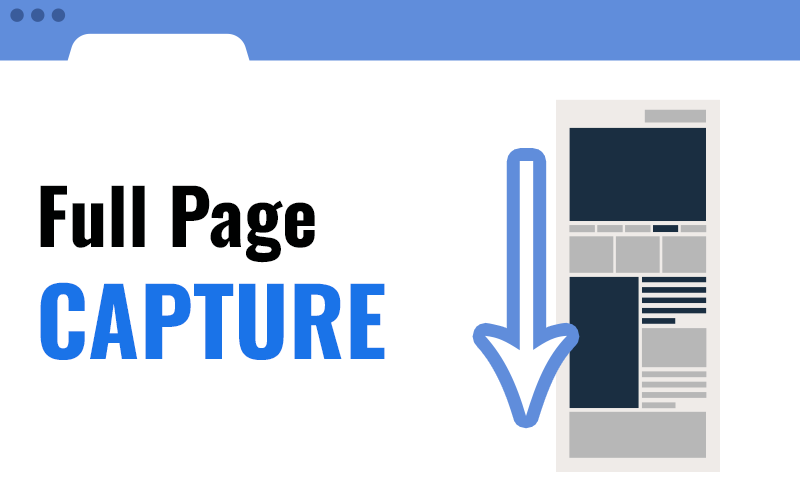
Capture the visible area, full page with auto-scroll, a custom region, or all open tabs at once.
Annotation Tools
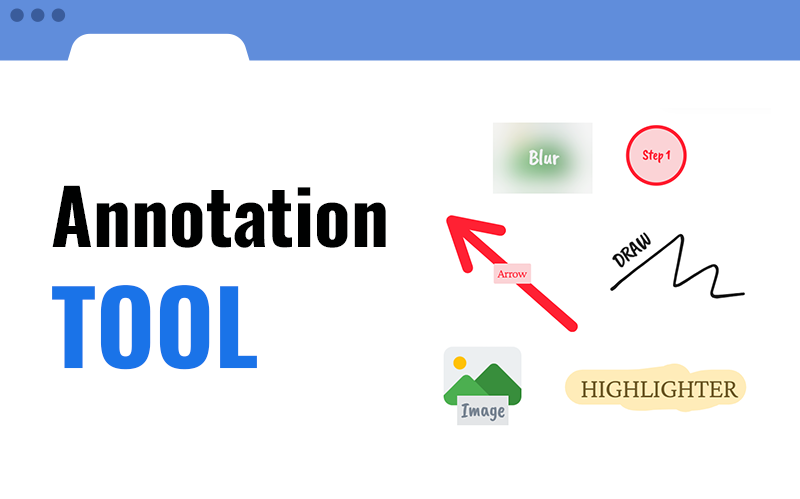
Draw, write, and highlight directly on the page. Add arrows, shapes, text, or blur sensitive content before capturing.
Flexible Sources
Capture a single tab, your full desktop, or a specific application window. Combine with camera and audio.
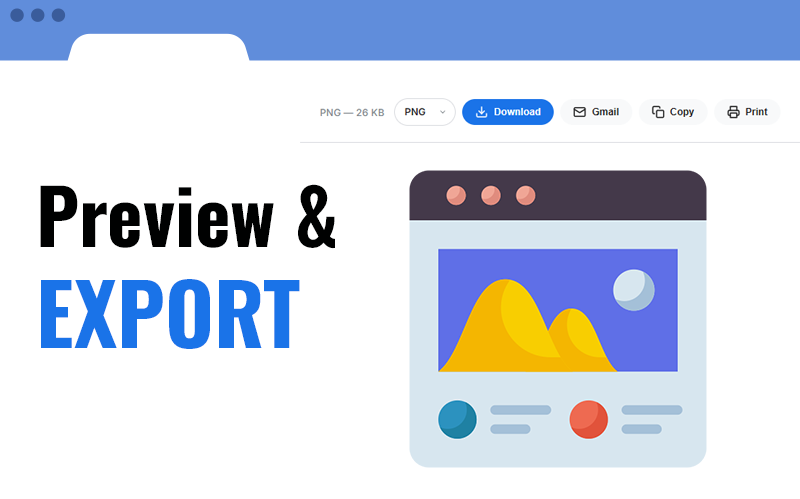
Export & Share
Save as WebM, MP4, GIF, PNG, JPG, or PDF. Download instantly, copy to clipboard, or share via Gmail.
Privacy First
All processing happens locally in your browser. No data is uploaded to any server. Your captures stay yours.
Capture History
All your screenshots are saved locally and organized in a searchable history. Browse, preview, and re-download past captures anytime.
See It in Action
A quick look at what FastCapture can do.
Screen Recording
Screenshot Capture
Full Page Capture
Region Selection

Preview & Export
Capture History
Annotation Tools
What Users Say
Trusted by thousands of users around the world.
I was using three different extensions for screen recording, screenshots, and full-page captures. FastCapture replaced all of them. Simple, fast, and it just works.

The full-page screenshot feature is flawless. I use it daily to capture entire web designs for my clients. No other extension does it this cleanly.

What sold me is the privacy aspect. Everything stays local, nothing gets uploaded. As a lawyer, that matters a lot when capturing confidential documents.

I teach online and I record short tutorials with the webcam overlay. The fact that it exports to MP4 directly is a huge time saver.

I switched from Loom because I did not want my recordings stored on someone else's servers. FastCapture keeps everything on my machine. Exactly what I needed.

The region screenshot tool is incredibly precise. I capture UI elements pixel-perfect for our design system documentation.

I love that I can capture all my open tabs at once. Perfect for documenting research sessions. The PDF export makes it easy to share with my team.

The keyboard shortcuts are a game changer. One shortcut for a screenshot, another to start recording. I barely need to touch the mouse.

Been using it for six months now. Zero crashes, zero issues. It does exactly what it promises with no surprises. Rare for a free tool.

Ready to Capture?
Join thousands of users who trust FastCapture for their daily screen captures.
Add to Chrome - Free