
Every Feature, One Extension
FastCapture packs a complete screen capture toolkit into a single browser extension. No signup, no compromises.
Chrome에 추가 - 무료Record Your Screen, Your Way
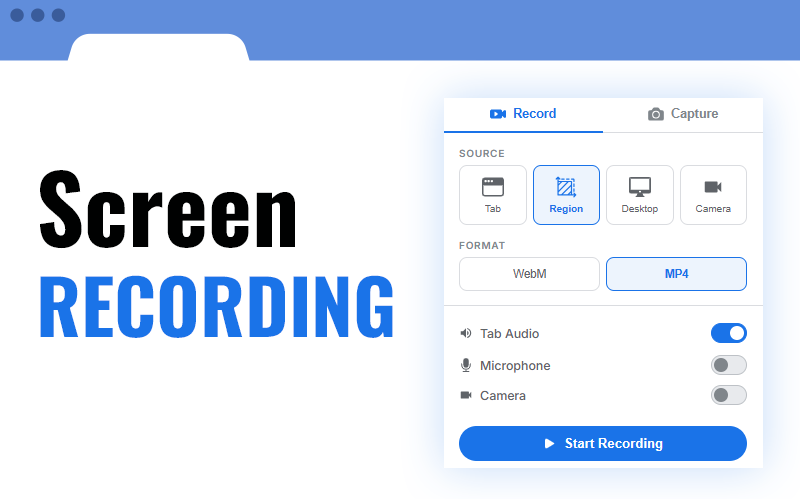
Whether you need to capture a single browser tab, your entire desktop, or just a specific region, FastCapture gives you full control. Add your webcam, include system audio and microphone, and export in the format you need. Every recording can be paused, resumed, or discarded at any time.
- Four sources: tab, desktop, region, or camera-only
- WebM, MP4 또는 GIF로 내보내기
- Pause and resume at any time
- 15, 24, 30, or 60 frames per second
- Configurable countdown: 3, 5, or 10 seconds
- Optional max duration with auto-stop
- Toggle audio, mic, and camera live while recording
Pixel-Perfect Screenshots
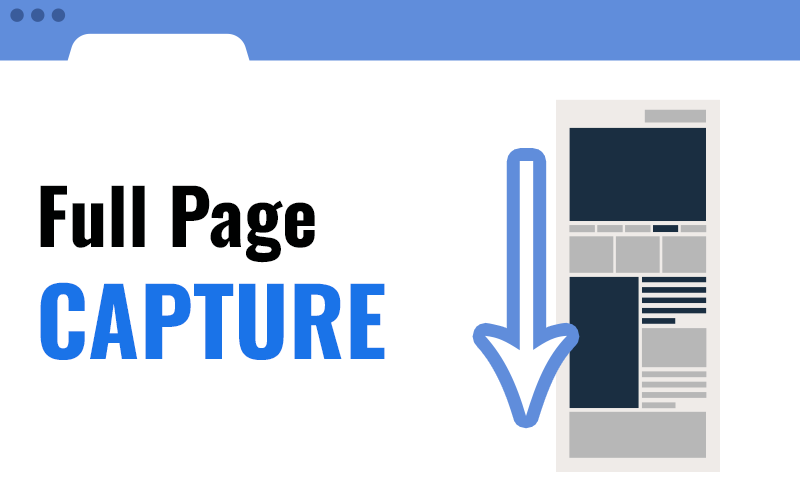
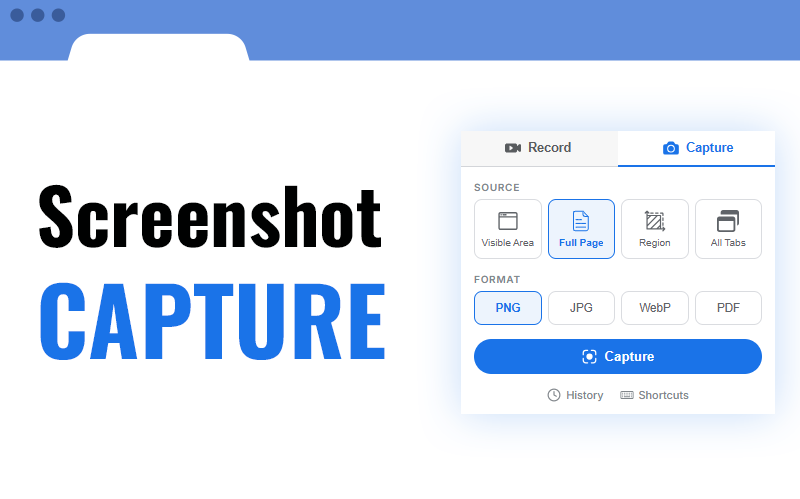
Capture exactly what you see, or let FastCapture scroll the entire page and stitch it together automatically. Select a precise region, or grab every open tab at once. Choose your format and you are done.
- Visible area, full page, region, or all tabs at once
- Full-page scroll handles fixed headers and sticky elements
- Save as PNG, JPG, WebP, or PDF
- All-tabs mode exports as a ZIP file
- Quick capture: save on mouse release
- Real-time progress bar for long captures
그리기, 쓰기, 강조
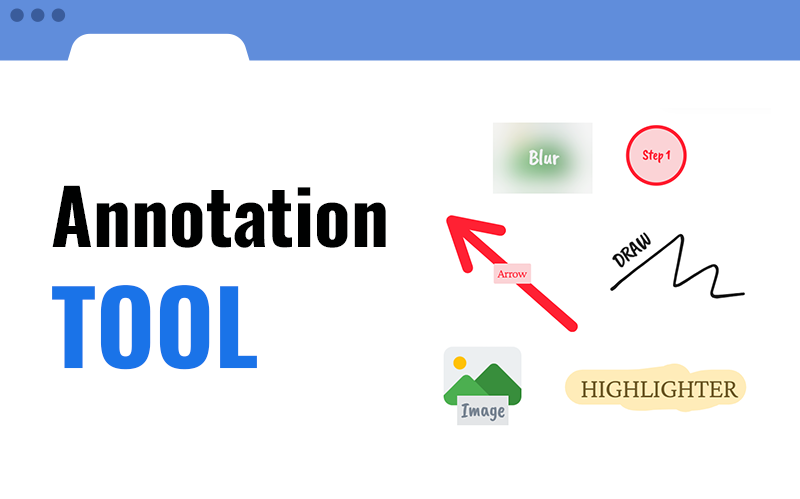
캡처 전후에 페이지에 직접 주석을 달 수 있습니다. 자유롭게 그리기, 텍스트, 화살표, 도형 추가 또는 민감한 콘텐츠 흐리게 처리가 가능합니다. 모든 것이 투명 오버레이로 렌더링되어 페이지 자체를 변경하지 않고 주석을 달 수 있습니다.
- 크기와 색상을 조절할 수 있는 자유 그리기
- 텍스트, 메모지, 화살표 및 도형
- 민감한 정보를 숨기는 흐림 도구
- 프레젠테이션용 레이저 포인터
- 사이드 패널 모드: 녹화에 보이지 않는 컨트롤
- 편집, 표시, 숨김 모드 간 전환
Your Webcam, Fully Customizable
Add a floating webcam overlay to any screen recording. Choose its shape, size, and position. Move it around, resize it, flip it, or hide it - all while recording. You can also record webcam-only in a dedicated window.
- Picture-in-picture overlay on any recording
- Three shapes: circle, rounded square, rectangle
- Drag to reposition anywhere on screen
- Resize freely to any size
- Mirror toggle for a natural view
- Show or hide during recording
- Switch between connected cameras
- Standalone webcam-only recording mode

Select Any Area with Precision
Draw a rectangle on the page to capture or record exactly the area you want. Fine-tune it with resize handles, lock it to an aspect ratio, and see the exact pixel dimensions in real time.
- Click and drag to define the capture area
- Resize with corner and edge handles
- Aspect ratio lock: free, 1:1, 4:3, 16:9
- Live dimension label in pixels
- Crosshair alignment guides
- Quick capture on mouse release
- Copy region directly to clipboard
- Works for video and screenshots
And So Much More
Every detail has been thought through.
Audio Capture
Record tab audio and microphone with real-time mixing. Choose from all connected mics, mute or unmute each source independently while recording.
Export & Sharing
즉시 다운로드, 클립보드 복사, Gmail 전송 또는 인쇄. 미리보기 페이지에서 PNG, JPG, WebP, PDF 간 변환 가능. 녹화를 GIF로 내보내어 쉽게 공유. 다중 탭 모드에서 모든 캡처를 ZIP으로 다운로드.
File Management
Name your files with dynamic templates using page title, URL, date, time, and auto-incrementing counters. Set up auto-save to custom folders. Browse, search, and re-download past captures from the built-in history.
Customization
Dark, light, or auto theme. 14 languages. Four customizable keyboard shortcuts for instant capture. Right-click context menu. Adjustable countdown and frame rate. All preferences are saved across sessions.
Privacy at the Core
FastCapture processes everything locally in your browser. No data is uploaded to any server. No account needed, no tracking, no analytics. Your captures stay on your device and belong to you.